


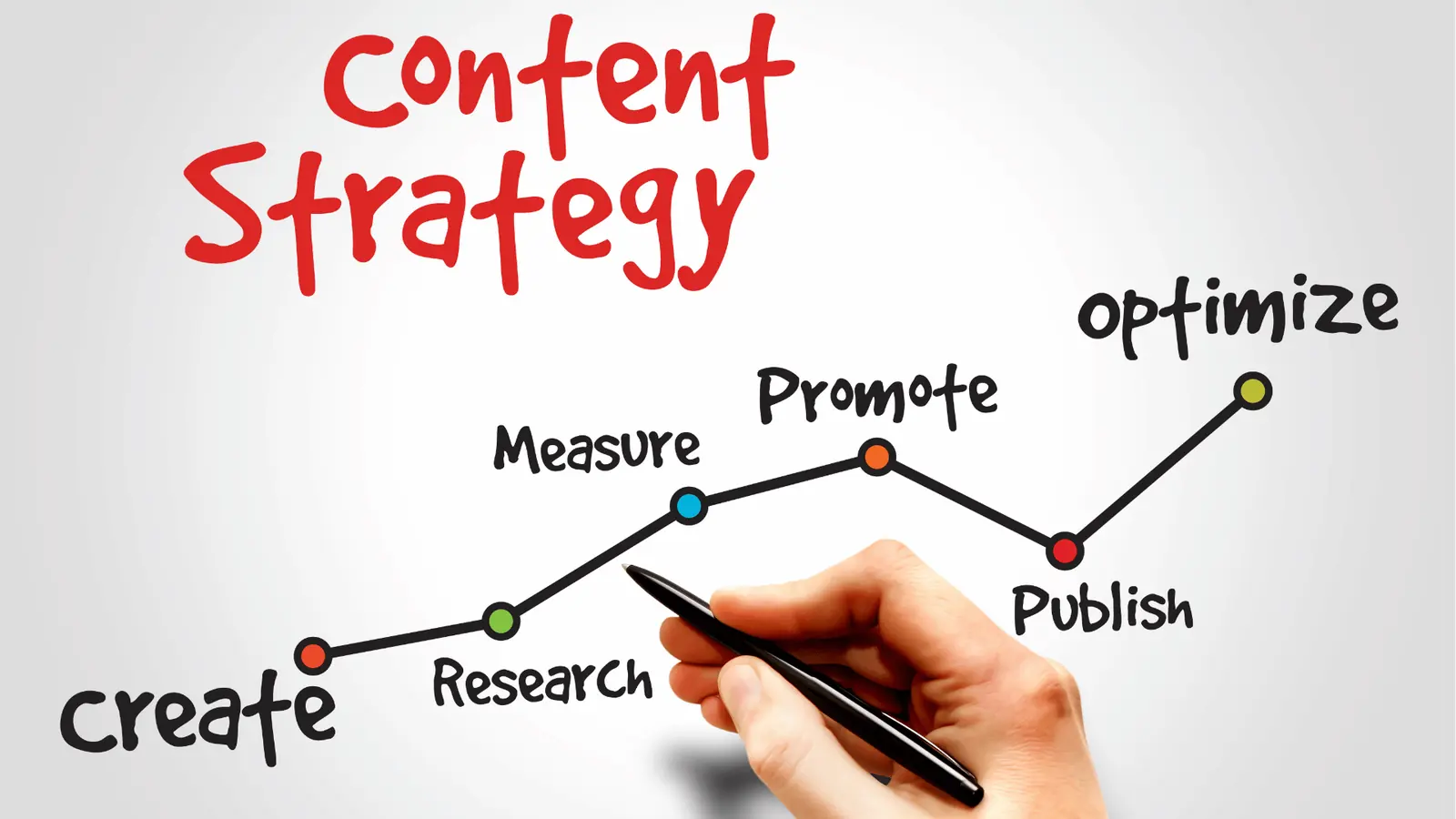
Stop forcing your LinkedIn thought leadership team to use the same creative brief template as your TikTok beauty vlogger. Standardization is not a badge of operational maturity. It is a rigid constraint that kills brand personality the moment it crosses the line from helpful process into administrative bureaucracy.
We get it. You are juggling three different brands, five platforms, and a creative team that is ready to revolt if they have to fill out one more twelve-page document for a fifteen-second clip. The friction of getting a post out the door is real, and the workflow that was meant to save you is starting to look a lot like a permanent, slow-moving bottleneck.
The operating problem this solves

Most leaders push for standardized briefs to clean up the operation. They want to ensure that every asset, whether it is a corporate announcement or a spontaneous influencer collaboration, hits the same quality threshold. But in doing so, they often sanitize the creative out of existence.
Here is where teams usually get stuck: they confuse process consistency with content quality.
If you force a B2B LinkedIn strategist to use a creative brief designed for high-volume B2C Instagram stories, you are not creating order. You are creating a massive, avoidable tax on your team's energy. Your LinkedIn expert ends up answering questions about video lighting and music cues that are irrelevant to their text-heavy strategy, while your TikTok creator struggles to fit their nuanced, trend-driven idea into a template that treats every post like a formal press release.
Operator rule: If the brief takes longer to write than the content takes to create, you are no longer managing a social operation. You are managing a paperwork factory.
The real culprit is rarely the template itself. It is a mismatch between your team's creative objective and the amount of administrative overhead you demand. Across hundreds of brand profiles, we have seen that teams trying to force a one-size-fits-all approach end up with the worst of both worlds: generic content that performs poorly and a team that is too burned out to iterate.
A simple rule helps: standardize the logistics, but localize the creative. You need a baseline for the boring parts-the publish dates, the profile selections, and the legal review status-without needing to dictate the creative pulse of every platform you own. Once you decouple the operational metadata from the creative intent, you stop fighting your own process.
The minimum system that works

The most efficient teams we see operate on a principle of context-first, form-second. Instead of chasing a perfect, all-encompassing document, they focus on capturing the "why" and the "how" in ways that live where the work actually happens.
If your team is managing dozens of brand profiles and hundreds of assets, the goal is to make the necessary information unavoidable for the creator, but invisible to the administrative process.
A functional system usually looks like this:
| Component | Purpose | Where it lives |
|---|---|---|
| Brand North Star | High-level tone and visual rules. | Pinned in the team workspace. |
| Platform Nuance | Specific constraints (e.g., aspect ratios, character limits). | Stored in platform-specific guides. |
| Campaign Context | The "why" for this specific batch of work. | Attached directly to the project calendar. |
| Asset Specs | Technical requirements (file size, resolution). | Standardized checklist on the brief. |
Decision check: If a field on your current creative brief is not used to make a final Go/No-Go decision, delete it. If you are collecting information "just in case," you are adding friction for zero operational return.
At Mydrop, we often see teams transition from massive, static documents to using Calendar Notes to store campaign context. By attaching the core creative intent directly to the date, the team doesn't have to hunt through folders when it comes time to build the actual post in the composer. The context is there, waiting, whenever a team member opens their daily view.
Where teams overbuild the process
We see teams fall into a trap we call the Document-for-Document's-Sake phase. This happens when the fear of an off-brand post outweighs the need for speed. You end up with a brief so comprehensive that the creator spends more time filling out administrative fields than actually making the asset.
You are likely in this phase if you notice these three signs:
- The Approval Lag: The time it takes for a creative brief to get approved is longer than the time it takes to produce the actual asset.
- The Redundant Input: Your creative team is typing the same mission-critical information into three different tools-a project management tool, a Google Doc, and the final social media publishing tool.
- The "Ghost" Data: You look back at your past fifty briefs and realize that no one actually looked at the "Competitor Analysis" or "Target Persona" fields you mandated.
When you overbuild, you aren't governing the brand; you are simply slowing down the people who understand the brand best.
Most teams do not have a creative problem. They have a decision bottleneck where they mistake complexity for control. The most mature organizations treat their brief like a product: they ship a minimum version, observe where the friction is, and prune everything that doesn't directly drive a high-performing post.
If you are currently forcing your internal experts to justify their creative choices in a twelve-page form for a platform where the audience spends three seconds on a post, you are taxing the wrong part of the operation. Shift that focus to automating the repetitive specs, and let your team spend their energy on the creative strategy that moves the needle.
How to run the cadence
Stop scheduling weekly meetings just to review briefs. Instead, shift to a persistent Context-First rhythm using the tools you already have. In our experience, high-performing teams replace document reviews with a shared workspace where the intent is visible before the draft ever hits a platform composer.
If you are managing multiple brands, your rhythm should look like this:
- Monday Intake: Leads drop campaign themes into a centralized calendar note. This keeps the "why" pinned to the actual dates, not buried in a separate document.
- Tuesday Creative Sync: Designers and copywriters check the calendar notes for requirements. If the note is sparse, they ping the requester in the comments. No formal brief required.
- Wednesday Asset Assembly: The creative team builds the content. If they need to check a platform-specific nuance, they pull up the relevant Brand Profile to ensure they are using the right handle and voice settings.
- Thursday Peer Review: Stakeholders review the drafted posts directly in the calendar. They can see the thumbnails, the captions, and the scheduling logic in one glance.
- Friday Final Polish: Everything is locked. The team moves to the next week without having spent a single hour chasing status updates on a 12-page file.
Workflow check: If you cannot explain the goal of a post in the space of a single calendar note, your strategy is too complex for social media.
The proof that the habit is working
How do you know if you have successfully cleared the bottlenecks? Watch your Revision Velocity. When your process is working, you stop seeing back-and-forth email chains about "file naming" or "which brand guideline to use" and start seeing edits made directly on the final asset.
Use this simple scorecard to audit your team performance every month.
| Metric | Stalled Process | Healthy Rhythm |
|---|---|---|
| Brief-to-Draft | 3 to 5 days | Under 24 hours |
| Review Cycles | 3+ rounds of edits | 1 round (alignment check) |
| Source of Truth | Scattered docs / email | Shared calendar notes |
| Approval Flow | Gatekept by managers | Visible to stakeholders |
If you are consistently hitting the "Stalled" column, stop asking for more detailed briefs. You do not have a documentation problem; you have a trust problem. The most effective fix is to give your creators access to the same analytics and brand context that you have, allowing them to make the final call on execution.
Conclusion
Standardizing creative briefs is rarely the shortcut to quality that leaders hope it will be. It is usually a comfort blanket for teams that lack a clear shared vision.
The goal of your operations should be to reach a point where the brief is so light and so well-understood that it practically disappears. When you trust your team with the context-where the brand lives, who they are talking to, and what success looks like-they stop asking for permission and start delivering results. Stop building document factories and start building channels for your team to do their best work. Once you remove the administrative load, you might find that the quality of your output naturally scales along with your speed.

 Google review
 Trustpilot review
 Product Hunt comment




