


If your regional teams are spending more time fixing broken platform-specific assets than they are engaging with local audiences, you have stopped being agile and started being disorganized; it is time to move from "distributed freedom" to "managed centralization." We have seen this across hundreds of brands. You want your regional social leads to have the autonomy to move fast, but watching your brand equity fragment into a dozen different styles-or worse, seeing posts fail because of mismatched aspect ratios-is painful. That tension isn't a failure; it is just a sign that you have outgrown your current operating model.
Many enterprise teams treat decentralization as a sacred cow, but often use it as an excuse to avoid implementing the necessary guardrails. If you cannot guarantee a post will look right on Instagram versus LinkedIn before it goes live, you are not actually decentralized-you are just suffering from expensive, preventable coordination debt. The goal is simple: centralize the rules (branding, technical specs, compliance) and distribute the execution (local tone, community management, timing).
The operating problem this solves

When you manage social presence across multiple markets, your biggest enemy is not a lack of creativity, but the "Break-Fix" cycle. Regional teams start with good intentions, but if they lack a unified system for validation, they end up manually resizing images for three different platforms or hunting for the right compliance disclaimers in a shared document that hasn't been updated since last quarter.
This creates a hidden tax on every campaign. You aren't just paying for the content creation; you are paying for the rework when a file gets rejected by a platform's algorithm or when the legal team gets buried in last-minute approval emails because there was no visibility into the publishing queue.
Here is how you know the friction is costing you more than the autonomy is worth:
- Platform friction: You are seeing high rates of technical errors-posts failing, thumbnails cropping incorrectly, or videos losing quality-because regional teams are guessing at platform specs.
- Approval paralysis: Regional leads feel they need to "ask HQ" for everything because they lack clear, automated guardrails, slowing down the very speed they were meant to own.
- Brand drift: Your global identity feels like a suggestion rather than a standard, leading to an incoherent experience for customers who engage with your brand across different regions.
At Mydrop, we see the most successful teams stop this by moving from "free-for-all" to "permissioned autonomy." They use pre-publish validation to catch these technical and brand errors before the team even hits the schedule button. When you bake the rules into the tool, you stop being the "brand police" and start being the "brand architect." You define the guardrails once, and the local teams can move as fast as they want, knowing the system will stop them only if they cross a line that actually matters.
The minimum system that works
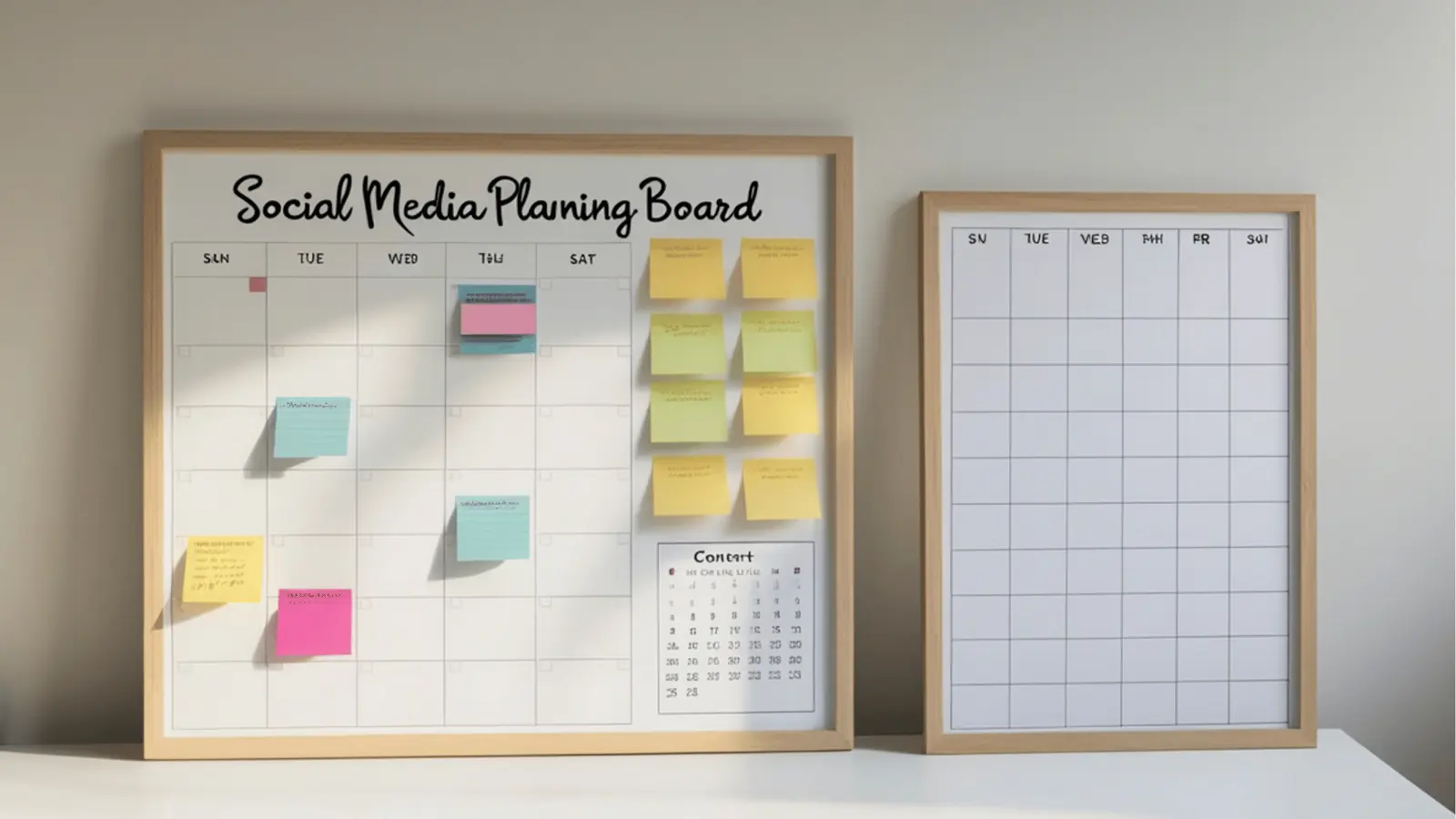
The secret to scaling social isn't policing every caption; it is moving your team from "hope-based" publishing to "pre-validated" workflows. You stop the bleeding when you shift the burden of quality control away from human eyes and into the system itself.
Before you hit schedule, your workflow should require a hard-stop validation step that checks the technical basics. This is where most enterprise teams encounter their first real friction, but it is also where they win back hours of wasted time.
| Validation Check | Risk if Skipped | Operational Fix |
|---|---|---|
| Aspect Ratio/Size | Algorithm reach drop | Mandatory format templates |
| Platform Meta | Broken link-in-bio traffic | Required field enforcement |
| Profile Access | Publishing to wrong brand | Centralized group permissions |
| Creative Assets | Low-res rendering | Gallery upload constraints |
Operator rule: If a human has to check a file for resolution or aspect ratio before it goes live, you are wasting expensive talent on cheap computer work.
At Mydrop, we see teams that struggle with coordination debt often rely on "manual checks" via email or chat threads. That is not a workflow; that is an accident waiting to happen. The minimum viable system requires that your tools automatically flag errors before the post is submitted for approval. If the media format is wrong or the thumbnail is missing, the post should literally refuse to be scheduled.
Where teams overbuild the process
The most dangerous thing you can do is respond to a few off-brand posts by centralizing everything. We often see teams fall into the "Overbuild Trap" when they try to force every single regional post through a global HQ review, thinking this guarantees quality.
In reality, this just ensures that your global team becomes a massive bottleneck. You end up with stale content that misses the window of local relevance, or worse, your regional teams start looking for "shadow" workarounds to bypass your over-complicated bureaucracy.
If you are reviewing every tweet or local update in a weekly global meeting, you have effectively turned your social strategy into a slow-moving, high-friction mess that no one enjoys.
Common mistake: Treating "Brand Consistency" as a synonym for "Centralized Control."
You can maintain a unified brand voice without requiring HQ to sign off on a local holiday promotion in a secondary market.
True maturity looks like this:
- Centralize the guardrails: The technical specs, the brand assets, and the compliance requirements are locked in your automated workflow settings.
- Distribute the creative: Regional leads own the daily engagement and local nuance because they actually know the audience.
- Audit by exception: Only flag posts for manual review if they hit specific trigger categories (e.g., paid spend, crisis communication, or high-level brand partnerships).
Most teams do not have a creative problem. They have a decision bottleneck, and the fix is almost never more meetings-it is better guardrails.
How to run the cadence
Once you have set your guardrails, the hardest part is not setting them up; it is keeping them from drifting. We find that teams successfully move from chaos to rhythm when they treat social media as an operational process rather than a creative sprint.
You need a weekly heartbeat that forces visibility. If you have been relying on ad-hoc Slack threads or email chains to track "who is posting what," you are already underwater. Instead, build a repeatable 48-hour loop:
- Intake & Draft: Regional teams upload assets into the system.
- Auto-Validation: The system runs its pre-publish check. If the media format is wrong or the link-in-bio destination is broken, the post is automatically flagged for the regional lead before it even reaches the approval queue.
- Review: HQ or regional leads review the "clean" pool of content.
- Final Schedule: Once approved, the post moves to the master calendar.
At Mydrop, we see teams that rely on persistent Calendar > Reminders to manage this cadence. By turning "chores"-like checking if a campaign hashtag is compliant or verifying the link-in-bio landing page-into visible calendar commitments, you move accountability out of someone's head and into the shared operational view.
Decision check: Never approve a post that hasn't cleared the system's technical validation. If the tool can't read it, the platform's algorithm won't like it, and your audience definitely won't see it.
The proof that the habit is working
You don't need a massive audit to know if your centralization strategy is working. You can track your progress against these three operational signals. When these numbers shift, you know the coordination debt is being paid down.
| Metric | Goal | Signal of Success |
|---|---|---|
| Technical Rejection Rate | < 5% | Fewer posts failing due to aspect ratio, size, or metadata errors. |
| Approval Lead Time | < 24 hrs | Approvers are reviewing clean, validated content rather than fixing basic errors. |
| Brand Drift Incidents | Zero | No instances of regional accounts running "rogue" creative styles. |
If your Technical Rejection Rate stays high, your regional teams are still struggling with the baseline specs. They don't need more creative freedom; they need better templates. Use Gallery service import to force assets into the right orientation and quality settings before they even reach the scheduling screen. It is a small fix that saves hours of "break-fix" work every single week.
Conclusion
The goal of centralizing your social media calendar is not to turn your global brand into a sterile, soulless megaphone. It is to protect your local teams from the busywork of technical failure so they can actually focus on being human.
When you get this right, the "headquarters" vs "local" tension evaporates. HQ provides the safety net-the guardrails, the validated formats, and the unified calendar-and the regional teams get to focus on what matters: the actual conversation with their customers.
Stop asking your regional teams to be both graphic designers, compliance officers, and community managers simultaneously. Give them a system that does the heavy lifting, keep the rules at the center, and watch how much faster they can actually move.


 Google review
 Trustpilot review




