


Your best marketing decisions are buried in spreadsheets that haven’t been updated since last Tuesday. By the time you manually compile your social media reports, the window for pivoting on that high-performing campaign has already closed. Reporting shouldn’t be an end-of-month scramble for data; it should be a continuous, automated feedback loop that informs your next strategic move.
TLDR: Stop building reports by hand. Automate your data sync, visualize performance in real-time, and shift your team’s energy from spreadsheet formatting to actual creative strategy.
There is a specific kind of dread in opening ten browser tabs, copy-pasting reach metrics, and praying the charts don't break while your boss is waiting in the chat. Imagine a Monday where the insights are already waiting for you, distilled and ready to act on, letting you focus on the creative strategy you were actually hired for. The awkward truth is that most enterprise teams aren't lacking data-they are suffering from "reporting theater," where the sheer act of building the report creates the illusion of progress, masking the fact that no one is actually analyzing the results.
If you are manually moving cells in a spreadsheet, you aren't doing marketing; you're doing archaeology.
To break this cycle, you need to move toward a <mark>Pulse-not-Pulse-Check</mark> operational model. This means your reporting becomes a steady, automated rhythm that guides your work, rather than a frantic, periodic inspection that you perform only when forced.
The real problem hiding under the surface

Most teams underestimate the hidden cost of context-switching between tools. When you treat reporting as a separate task from your daily publishing flow, you inevitably lose the "why" behind the numbers. A report might show that engagement dipped on a Wednesday, but without the operational context-like who approved the post or what note was attached to the original calendar entry-that data point is just noise.
The real issue: Many teams treat reporting as a post-mortem exercise rather than a live steering mechanism. When you isolate metrics from your publishing workflow, you miss the causal link between your creative choices and your community’s reaction.
Reporting theater thrives when you try to measure everything. The more metrics you collect, the less time you have to act on the ones that actually matter. To get your time back, you must ruthlessly prioritize. Before your next report, apply this simple filter to every metric on your dashboard:
- Does this data point change a future creative decision?
- Is this metric linked to a specific brand objective?
- Can I explain this chart to a stakeholder in under 30 seconds?
Operator rule: If a metric doesn't lead to a decision, delete it from the report.
Automation isn't about removing the human from the process; it's about removing the drudgery so the human can finally think. When you bridge the gap between your calendar and your analytics, you transform from a data-entry clerk into a strategic lead. You stop reacting to last month’s ghosts and start shaping next week’s wins.
The goal is to reach a state where performance data is a byproduct of your work, not the work itself. When that link is established, the "reporting scramble" disappears, replaced by a clear view of what is working, who is engaged, and where you need to steer your team next. It is the difference between driving a car while looking at a printed map from three hours ago versus having the navigation system update the route for you in real-time.
Why the old way breaks once volume rises

Scaling social media management is rarely about needing more bodies; it is almost always a failure of coordination debt. When you manage five channels for one brand, you can survive on spreadsheets and late-night Slack messages. When you manage fifty channels across ten regional markets, that same approach becomes a liability.
The primary breakdown happens when the reporting process is decoupled from the execution flow. If your team is drafting content in one tool, approving it via email, and then manually grabbing data from native platforms to paste into a shared file on Friday, you are essentially running a disconnected relay race. By the time the data is "clean" enough to present, the market sentiment has shifted. You are no longer managing social media; you are managing a database of expired history.
Most teams underestimate: The hidden cost of context-switching between tools. Every time a team member logs into a native platform just to check a reach metric, they lose the context of the active campaign. It is a slow, quiet leak of productivity that drains your team of its ability to think critically.
This is where the "reporting theater" trap reaches its peak. You end up spending four hours formatting a PDF deck that shows how many people saw a post, but you have zero time left to explain why it worked or what you should double down on next. Your stakeholders stop asking for insights and start asking for more charts, deepening the cycle.
| Feature | Manual Reporting | Automated Pulse |
|---|---|---|
| Data Latency | Retrospective (Days/Weeks) | Near Real-time |
| Effort | Hours per cycle | Seconds (Automated) |
| Accuracy | Prone to human error | Consistent/Verified |
| Strategic Focus | Formatting and cleanup | Analysis and execution |
The simpler operating model
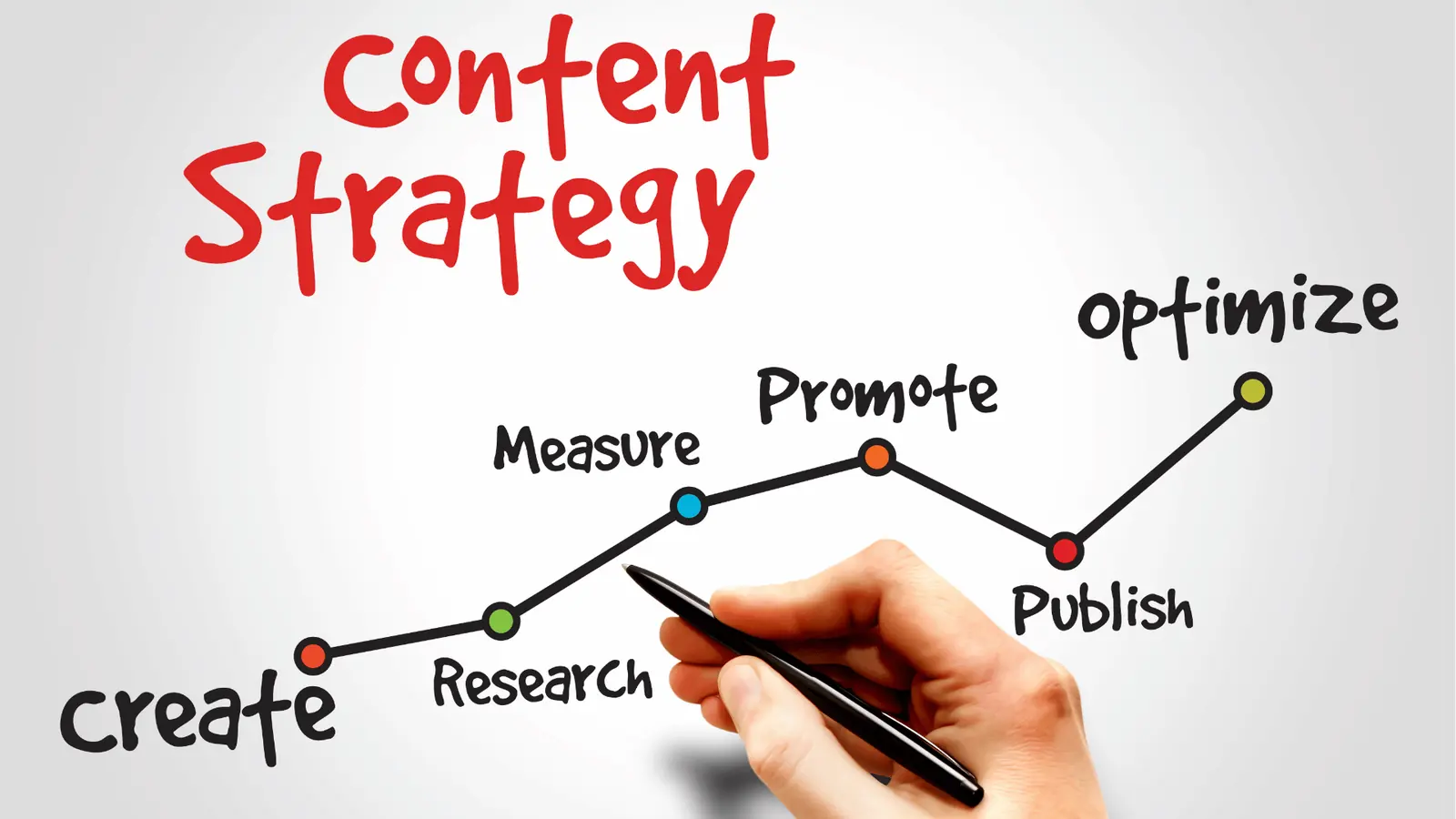
If you want to move from an end-of-month scramble to a continuous flow, you need to treat your data as a living part of your workflow rather than a static document. The most effective teams use a simple logic: "Pulse, not Pulse-Check." You don't need a massive, exhaustive report every single Monday; you need a steady, reliable data feed that informs your next tactical move.
Here is how you start shifting your operation:
- Audit your metrics: If a metric does not lead to a clear, actionable decision, delete it from your report immediately.
- Sync the pipeline: Centralize your performance data alongside your publishing calendar. When your post analytics (such as reach and engagement rate) are visible right where you schedule and approve content, you stop guessing and start observing patterns.
- Trigger the analysis: Instead of waiting for a manual summary, set up your workflow so that high-performing content automatically alerts your team for review.
Operator rule: If a metric doesn't lead to a decision, delete it from the report. If you are tracking "follower count" but never change your strategy based on that number, you are just collecting digital clutter.
When you move to this model, you stop being a data-entry clerk and start functioning as a strategic lead. Instead of spending your morning fighting with cell references in a spreadsheet, you use tools-like Mydrop’s performance analysis-to verify if your latest campaign actually hit the target. If it did, you use your Home assistant to draft the next iteration immediately. You aren't just looking at the past; you are building the next cycle of work while the previous one is still fresh.
This approach changes the conversation in your weekly meetings. You aren't explaining why the charts took so long to build; you are discussing which engagement tactics are trending in your top-performing regions. It is the difference between reporting on a car crash after the fact and actually having your hands on the steering wheel while you drive.
Where AI and automation actually help

Most teams treat automation like a giant on-off switch for their entire department, but that is how you build a house of cards. The real magic happens when you delegate the heavy lifting of data hygiene and pattern recognition to your software, leaving the strategic heavy thinking to your team.
AI does not replace the marketer; it removes the "archaeologist" phase of your job. Instead of spending three hours digging through CSV files to find out why a post failed, your system should have already flagged the anomaly and suggested a fix based on your own best-performing content.
Operator rule: If you are manually moving cells in a spreadsheet, you aren't doing marketing; you're doing archaeology.
Here is how to structure your "Three-A" loop to reclaim your week:
- Automate: Use tools to sync data across all channels into a unified view. The goal is to move from "searching for data" to "having data present."
- Analyze: Look at the unified dashboard in Mydrop. Do not just look at vanity numbers. Look for the "why" behind the engagement spikes.
- Adapt: Take those insights directly into your Home assistant session. Use the context of what worked last week to draft next week's content.
Common mistake: The "Dashboard Hoarding" Trap. Teams often feel safer when they track 50 metrics, but they act on none. If a metric does not lead to a clear, actionable decision, delete it from your report immediately.
When you use your Home assistant to bridge the gap between analytics and creation, you stop guessing. You are no longer "writing a post"; you are "executing a strategy informed by last week's performance."
The metrics that prove the system is working

If your system is healthy, the time you spend building reports should be trending toward zero, while the time you spend acting on insights should be trending up. This is your primary indicator of success.
You want to shift the focus from "did we post enough" to "did the posts work." Stop obsessing over raw reach. Focus on the metrics that indicate genuine brand health and audience movement.
KPI box:
- Engagement Rate: Measures community resonance, not just eyeballs.
- Actionable Conversions: Measures how many people actually moved from social to your owned ecosystem.
- Response Efficiency: The time between a community interaction and your team’s engagement.
When you have a baseline, you can finally see the "pulse" of your operations. If your engagement rate dips while your volume stays flat, you have a content quality issue. If engagement stays high but conversions drop, you have a distribution or landing page issue. Automation gives you the visibility to diagnose these instantly, rather than finding out at the end of the quarter when the budget is already gone.
To keep your pulse steady, use this weekly audit to ensure your system is still serving you, rather than you serving it.
- Data Sync Check: Are all social profiles reporting fresh data for the last 7 days?
- Anomaly Scan: Have you checked the Performance section for any unexplained spikes or drops?
- Strategy Update: Did you feed the top-performing content themes into your Home assistant today?
- Approval Audit: Are there any stale posts stuck in the workflow that need an urgent push?
- Metric Cull: Did you remove any dashboard widgets this week that you did not actually use to make a decision?
[Future-Proof Operations]
This is the shift that separates high-performing enterprise teams from the rest. Automation isn't about removing the human from the process; it is about removing the drudgery so the human can finally think. By the time Monday morning rolls around, you should not be starting from a blank sheet or a broken spreadsheet. You should be starting from a clear set of facts.
The operating habit that makes the change stick

The biggest threat to your new reporting system is not technical failure; it is the drift back to manual labor when a deadline hits. If you do not institutionalize the rhythm, you will find yourself back in the spreadsheet mines the moment a stakeholder asks an urgent, ad-hoc question.
To make the shift, you must treat your reporting cadence as a protected meeting, not an optional task. When the data is automated, your team meeting is no longer about "who has the latest numbers." It becomes a session to diagnose why the numbers are what they are.
Operator rule: If a metric does not lead to a decision or a change in creative direction within 48 hours, delete it from your recurring report. You are not building a dashboard; you are building an engine for action.
If you are ready to stop the end-of-month scramble, start with these three steps this week:
- Audit the clutter: Review your current reporting deck and cut every slide that no one has commented on in the last three months.
- Standardize the pulse: Schedule a 30-minute block on Monday mornings to review the automated performance data; treat this as the "Decision Hour" for your team.
- Connect the loop: Use a tool like the Mydrop Home assistant to summarize the week's performance against your goals and draft the next three content ideas based on the winners from the previous cycle.
Framework: The "Three-A" Loop
- Automate: Sync your channel data into a single, unified view.
- Analyze: Filter by objective, not just by platform, to find the true engagement drivers.
- Adapt: Feed the performance context into your planning sessions to shape upcoming campaigns.
This cycle turns your reporting from a defensive act into a competitive advantage. You stop explaining what happened to your boss and start showing them how you plan to win next.
The hard reality of professional social management

The awkward truth is that most enterprise teams are not lacking data. They are suffering from "reporting theater," where the sheer act of building the report creates the illusion of progress, masking the fact that no one is actually analyzing the results. Every hour spent manually formatting a slide is an hour taken away from the creative strategy you were actually hired for.
Your goal is to move from archaeology-digging through the past to explain why a post flopped-to navigation, where you are actively steering your brand based on real-time feedback.
Social media scale fails from coordination debt, not a lack of good ideas. When you stop obsessing over the mechanics of reporting, you can finally focus on the people who are actually engaging with your brand. The best social teams today operate like media companies, not just content factories. They know that reporting is not an administrative burden; it is the heartbeat of a high-performing team.
In a world where attention is the scarcest currency, the team that learns the fastest wins. You don't need a bigger department or a more complex stack; you need a system that keeps the signal high and the noise low, letting your team focus on the work that actually matters.
Mydrop was designed for exactly this, providing a unified workspace where performance data, approval flows, and AI-driven ideation live together, ensuring your team spends its time on strategy rather than the drudgery of keeping the lights on.


 Google review
 Trustpilot review




