


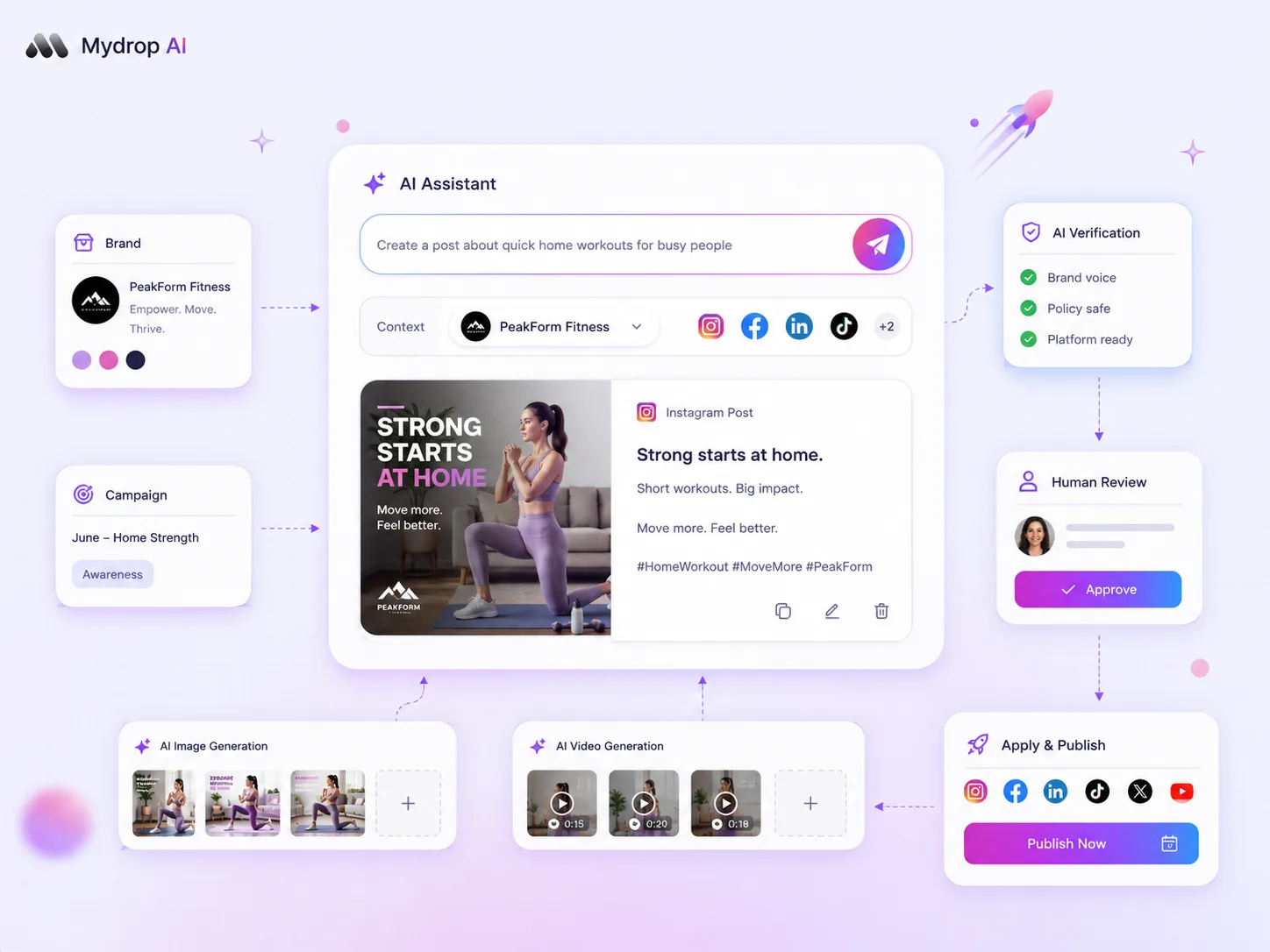
You don’t need a "better" AI model; you need a tool that understands your brand’s DNA before it writes a single word. Most teams reach for AI to speed up caption generation, only to spend hours manually editing the output to sound like you again. It is like having an assistant who writes quickly but forgets who you are every single day.
We know the cycle well. You are juggling multiple channels, agencies, and stakeholders. You hit "generate" to save time, but the inconsistency creeps in-a casual tone on a professional channel, a missing brand value, or just a vibe that is slightly off. The promise of efficiency is being eaten up by the reality of constant, manual clean-up.
The hidden cost isn't just the editing time; it is the invisible erosion of your brand equity. Every off-brand caption is a silent withdrawal from your brand's account with your audience. This post will help you diagnose why your current workflow is failing and provide a clear checklist to ensure your AI tools are actually helping, not harming, your brand.
What the best tools need to handle
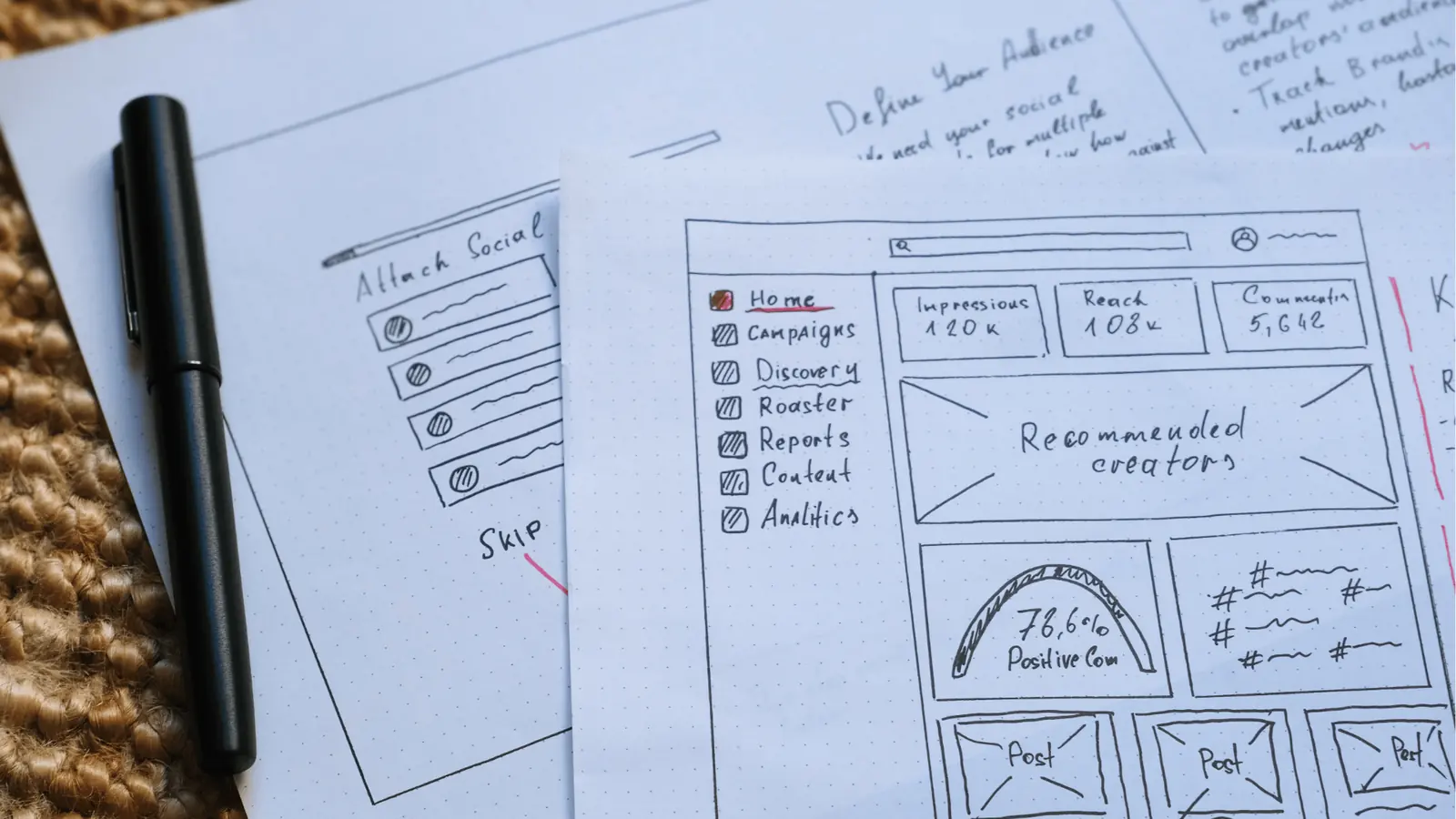
Most AI workflows are built backwards. They treat generation as the first step instead of the last. If your current tool just takes a raw prompt and spits out text, it is not a brand tool; it is a random text generator.
To stop voice dilution, you need a workflow that treats context as the mandatory input.
| Workflow Phase | Generic AI (The "Copy-Paste" Cycle) | Context-Aware AI (The "Brand-Aligned" Cycle) |
|---|---|---|
| Pre-Generation | Raw prompt only | Attach brand files, high-performing past posts, and style guides |
| Generating | Broad, generic instructions | Specific instructions grounded in brand-aware context |
| Validation | Manual audit for voice drift | Automated check against brand DNA and saved prompts |
| Post-Gen | Heavy, manual editing required | Minimal tweaks for specific platform nuance |
At Mydrop, we see teams struggle because they skip the context setup-it feels like "extra work" at the start. But it is the only way to ensure the AI doesn't hallucinate a tone that doesn't belong to you.
Operator rule: If your tool doesn't let you anchor the AI with your own assets-like your actual brand-approved media or previous successful posts-you are not solving your voice problem. You are just accelerating the creation of generic content.
The best tools must handle multi-source grounding. They need to allow you to attach files, extract text from your own content library, and leverage your existing brand colors and voice markers. When you are using the Composer AI Panel, you should be able to pull from your "AI Attachments" to ensure every word aligns with your specific campaign goals, not just general internet data.
It is not just about the prompt. It is about the permission to ground the AI in your history. Without that, you are just training an expensive parrot to talk like everyone else.
Where basic tools start to break

The real trouble begins the moment you move beyond simple, one-off social posts. Most entry-level AI tools operate in a vacuum-they are prompt-in, text-out machines with no sense of who you are, what you sold last quarter, or which images your audience actually clicks.
When your tool lacks brand-aware context, the AI treats every request as if it is being written by a blank slate. You get grammatically correct text, sure, but it sounds like a generic intern trying to emulate your voice based on a single paragraph. This is where you end up manually fixing tone, swapping out generic adjectives, and agonizing over whether the "vibe" is right.
This is fundamentally a coordination debt issue. When your AI generator is disconnected from your actual brand assets-your approved colors, your specific campaign terminology, or even your historical top-performing posts-it essentially forces your team to become a glorified proofreading department. You start spending more time "fixing" the AI than you would have spent writing the caption yourself.
Here is the pattern we see constantly:
| Stage | Generic AI Workflow | Mydrop Context-Aware Workflow |
|---|---|---|
| Setup | Open window, paste prompt | Attach media, select profile, load saved prompt |
| Generation | Broad, surface-level text | Tailored, brand-specific caption |
| Review | Manual rewrite for tone/voice | Quick validation of pre-aligned copy |
| Result | High correction effort | High confidence output |
Common mistake: Treating AI as a standalone "magic button." If the tool doesn’t know your brand’s history or upcoming assets, it isn’t saving you work-it is just deferring it to your final review step.
The buying criteria that matter
Stop asking "how good is the writing" and start asking "how well does it learn." When you are evaluating platforms, your focus needs to shift toward how the tool handles your team’s proprietary context. If the platform cannot ingest your specific brand DNA-and keep it accessible for every single team member-you are going to hit a ceiling fast.
Here is a checklist for evaluating whether an AI tool is actually built for an enterprise marketing machine, or if it is just a wrapper for a standard model.
The Enterprise AI Readiness Checklist
- Does it ingest custom brand context? Can you upload your brand voice guidelines, stylebooks, or even link it to specific image assets so the AI understands visual-text alignment?
- Can you save and share prompts? If a strategist in one market builds a perfect prompt for a product launch, can every other team member reuse that exact workflow, or does everyone start from scratch?
- Is the AI accessible within the composer? Does the tool allow you to generate captions directly next to the media, or do you have to switch tabs to some external "AI tool" to draft, copy, and paste?
- Are there clear guardrails? Can your team generate content without exposing sensitive information, and do you have visibility into who is using which prompts?
- Does it learn from memory? If you have a successful campaign, does the platform allow the AI to look at that historical data to inform future performance?
At Mydrop, we built AI generation specifically to avoid the "blank slate" trap. By using AI Attachments, you can feed media context directly into the composer. The AI isn't just guessing; it is looking at the actual image you are planning to post, checking it against your brand-aware context, and then drafting a caption that matches that specific visual story.
In our experience, teams often skip the context setup because it feels like "extra work," but it is the only way to ensure the AI doesn't hallucinate a tone that doesn't belong to you. If a tool doesn’t let you ground the AI in your own reality, it is destined to stay a toy, not a partner.
How Mydrop supports this workflow
The reason most AI-assisted content feels disjointed is that the model is effectively flying blind. It sees a prompt, but it doesn't see you.
At Mydrop, we built AI generation specifically to close this gap. We don't treat AI as a standalone chatterbot; we treat it as an extension of your existing workspace. When you use the Composer AI Panel, the generation process is automatically grounded in your actual brand context-not just a generic "professional" style guide.
By using AI Attachments, you can feed the model your highest-performing past posts, specific media assets, or even extracted text from previous campaigns. This transforms the output from generic marketing copy into something that sounds like it came from your actual team.
In our experience, teams often skip this context setup because it feels like "extra work," but it is the only way to ensure the AI doesn't hallucinate a tone that doesn't belong to you.
A simple shortlist checklist
Before you commit your team to a new AI content tool, run it through this simple operational filter. If it fails these three tests, it is just adding more coordination debt to your already crowded pipeline.
| Criterion | What to look for | Why it matters |
|---|---|---|
| Contextual Grounding | Does it accept files, links, or brand assets as input before generation? | Essential for ensuring the AI output actually matches your brand's specific DNA. |
| Workflow Integration | Can you save and reuse prompts directly within the composer? | Prevents team members from reinventing the wheel and ensures consistent prompt quality. |
| Review & Refinement | Is the tool designed for a human-in-the-loop review process? | AI should draft, not decide. You need clear, frictionless editing paths for approvals. |
Conclusion
The goal isn't to make your social media machine faster; it's to make it smarter.
Most teams do not have a content problem. They have a decision bottleneck. When you rely on generic, context-free AI tools, you are just accelerating that bottleneck, churning out high volumes of content that still require hours of manual rework.
Stop asking if your AI tool can "generate more." Start asking if it can "generate you." If your current stack isn't learning from your successes, failing to understand your brand voice, and forcing you to edit every single line, it isn't saving you time. It's just a more expensive way to do the same old, messy work.
Move your team toward tools that treat context as a requirement, not a feature. Your brand equity-and your sanity-will thank you for it.


 Google review
 Trustpilot review
 Product Hunt comment




