




















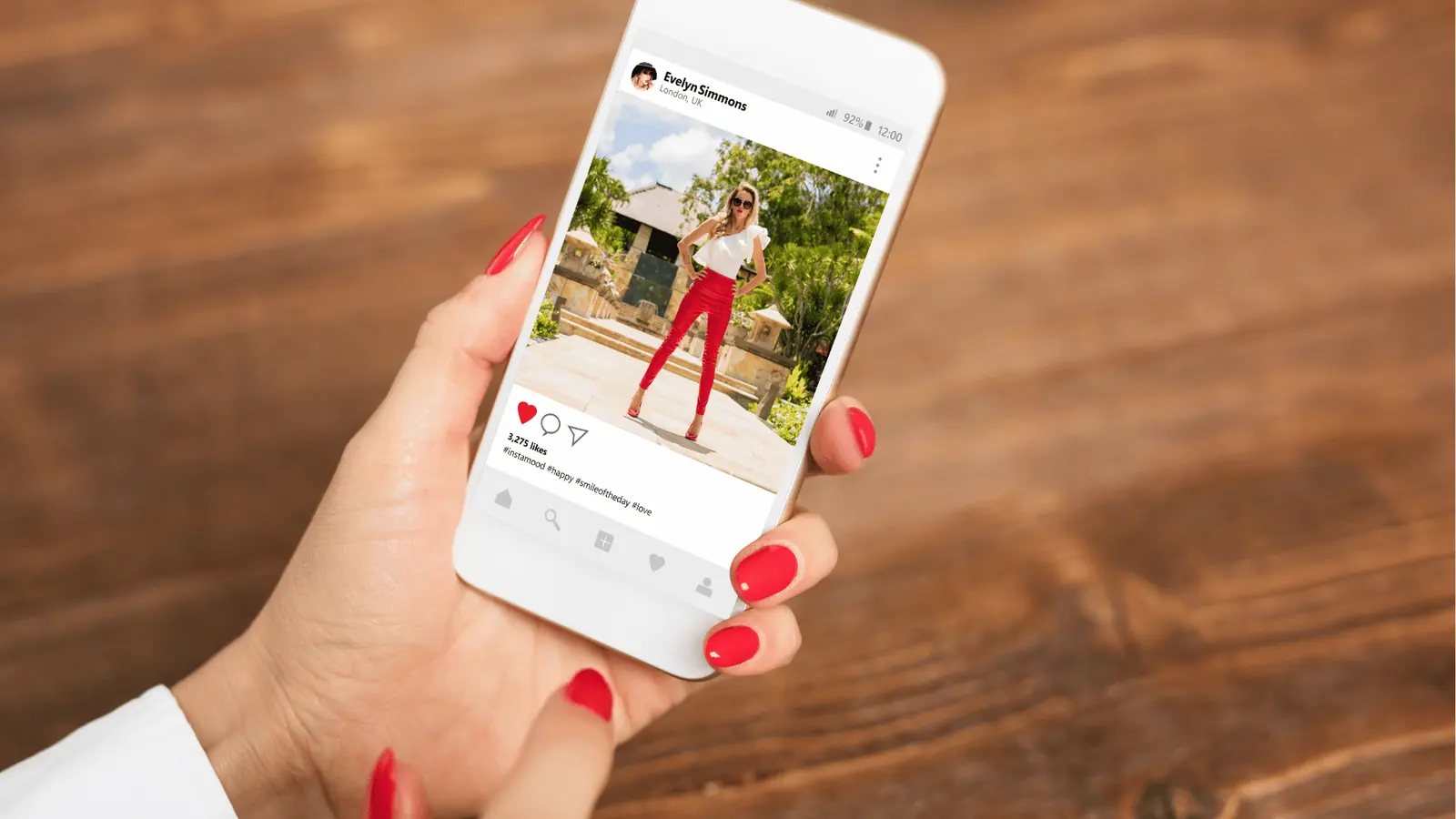
An Instagram grid post is one big image sliced into tiles that line up on your profile. To publish one: cut the image into 4:5 tiles at 1080 x 1350 px, three per row, then post the tiles in reverse order – bottom-right first, top-left last. That order is the whole trick, because Instagram fills your profile from the top-left with your newest post.
Get the order wrong and you end up with a scrambled mosaic you can't fix without deleting posts.
TLDR: Grid tiles are 1080 x 1350 px, three per row (3, 6, or 9 posts). Publish them from bottom-right backwards to top-left. A grid post type does the cutting and the ordering for you.
The sizes you actually need
Instagram's profile thumbnails are 4:5 now, not square. Design to that or your artwork gets cropped where you didn't expect.
| Grid | Tiles | Source image | Tile size |
|---|---|---|---|
| One row | 3 posts | 3240 x 1350 px | 1080 x 1350 px |
| Two rows | 6 posts | 3240 x 2700 px | 1080 x 1350 px |
| Full block | 9 posts | 3240 x 4050 px | 1080 x 1350 px |
Two things to keep in mind while designing:
- Leave the important stuff away from the seams. There are thin gaps between thumbnails, so a face or a word split down the middle looks broken.
- Start big. Upscaling a small image into nine tiles is where grids go soft and blurry.
Publish order: why bottom-right goes first
Your profile shows newest first, top-left, filling right and then down. So the tile that must end up top-left has to be the last one you publish.
For a 3 x 3 grid numbered 1 to 9 in reading order, publish them: 9, 8, 7, 6, 5, 4, 3, 2, 1.
Post them close together, within a few minutes. If you spread them over a day, followers see a half-finished mosaic on your profile the whole time.
The two ways to build a grid
One image, auto-cut. You design the full artwork once and let a tool slice it. Fastest, and there's no chance of a misaligned tile because every cut comes from the same canvas.
Tiles you cropped yourself. You cut the pieces in Canva, Figma, or Photoshop and upload them individually. More control (each tile can be its own design), more room for a 1-pixel mistake.
Both work. Pick the first when the grid is one picture, the second when it's nine related designs, like a 3 x 3 of product shots or quote cards.
Schedule the whole grid as one post
Nine manual uploads in reverse order, from a phone, at the right time, is how grids get scrambled. This is the one place a scheduler genuinely saves you.
In Mydrop, a grid is a single post type:
- Pick Grid as the post type and attach one high-quality image.
- Choose 1, 2, or 3 rows (3, 6, or 9 posts). Mydrop center-crops the artwork to the grid canvas and cuts it into 1080 x 1350 tiles, three per row.
- It warns you if the source image is too small to stay sharp, before anything goes out.
- At the scheduled time, tiles publish bottom-right first, so the top-left tile lands last and the grid reads correctly.
Already cropped your own tiles? Attach up to nine of them instead. Mydrop publishes them as they are and flags any tile that isn't 4:5 or a last row that's incomplete.
One grid is one post in your calendar and 3 to 9 posts on Instagram, which keeps the content calendar readable instead of showing nine near-identical rows.
What still works on a grid post
A grid isn't a stripped-down format. Every normal photo-post feature is still there:
- Caption and first comment. Use the same caption on every tile, or write a different one per tile. Most accounts put the real caption on the top-left tile, the one people tap first.
- Location tag and the paid partnership label.
- Alt text per tile, worth doing since each tile is its own post.
- Repost as a Story, which sends the uncut image to Stories so followers see the full picture without visiting your profile.
If one tile fails to publish, it should be reported on its own and the tiles already live stay live. Check that before you trust any tool with a nine-post sequence.
When a grid is worth it (and when it isn't)
Worth it:
- A launch or announcement where one big visual earns the space.
- A profile cover at the top of a fresh account or a rebrand.
- A campaign moment you want pinned as a block.
Skip it:
- Weekly content. Nine photo posts in a row is a lot of feed for one message.
- Accounts built on Reels. A grid of static tiles between Reels can flatten your momentum for a few days.
- Anything you'll want to delete. Removing one tile puts a hole in the mosaic and shifts nothing back into place.
One practical habit: keep the flat source image saved somewhere. When you eventually retire the grid, you can repost it as a single image or a Story without rebuilding anything.
Do this next
Design one 3240 x 4050 px image, keep the key elements off the seams, and schedule it as a grid so the reverse order is handled for you. Mydrop's Instagram grid post type cuts the tiles, warns you about resolution, and publishes them in the right order. It's free to start.


 Google review
 Trustpilot review
 Product Hunt comment




