










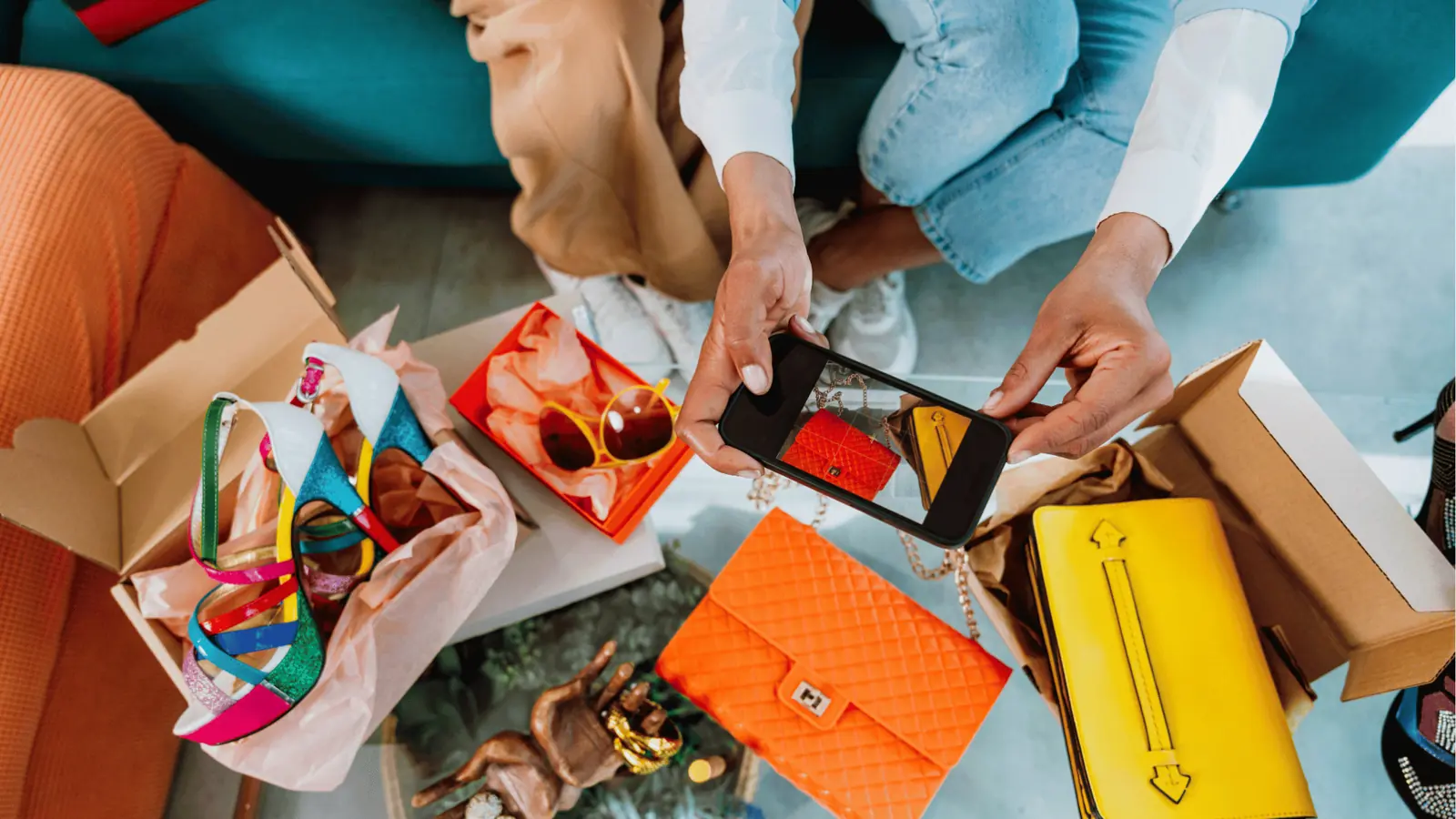
To win American viewers, you need to fix three things at once: your account's location signals, your content's cultural signals, and your posting schedule. Most international creators fix one, wait a month, and decide the platform is out to get them.
TikTok assigns a home region when you create the account, reading your SIM country, IP address and device settings. Instagram has no region lock at all and decides who sees you almost entirely from who engages. A VPN changes neither.
TLDR: TikTok is won at account setup (US SIM, US device region), Instagram is won by content and engagement, and both need posting during US evening hours. Skip the VPN.
The signals each platform actually uses
| Signal | TikTok | Instagram and Reels |
|---|---|---|
| SIM card, IP, device region | Strong, mostly locked at account creation | Weak |
| Language and cultural cues in content | Strong | Strong |
| Who engages with your first posts | Strong | Very strong |
| Locations and sounds you attach | Moderate | Moderate |
| Posting time | Moderate | Moderate |
- On TikTok, setup is half the battle. An account created on a German SIM and a German IP was filed under Germany, and American captions alone will not undo that.
- On Instagram, behaviour is the whole battle. If Americans engage with you, Instagram shows you to more Americans.
This works for any target country. Swap "US" for your market and the steps are identical.
Does a VPN work for getting a US audience?
No, and a free VPN actively hurts.
Consumer VPNs route you through data-centre IP ranges platforms identify easily, and free ones add shared IPs already used by spam accounts. Worse, a US IP behind a foreign SIM, foreign phone number and foreign device language is a mismatched account, and in our experience mismatched accounts get less reach than consistent foreign ones.
If your account already exists, do not try to relocate it with a VPN. Change the content and the timing instead.
How to make a US-based TikTok account
Starting fresh and TikTok is the priority? Spend 30 minutes on setup before your first post:
- Get a US prepaid SIM or eSIM. A travel eSIM or T-Mobile prepaid runs roughly $10-30 and supplies the carrier signal TikTok reads at signup.
- Set the device to English (US) and region United States before installing the app.
- Behave like a US user for a few days before posting. Follow US creators, watch US videos to the end, save US sounds. That trains the recommendation system on who you are.
- Make the first 5-10 posts unmistakably American. Early engagement tells the algorithm which market you belong to, and that first read is sticky.
How to make a US-based Instagram account
There is no US setting to switch on and no American ID to obtain. An account reads as American when four things line up:
- Content in US English, with US references, US pricing and US spelling.
- US locations tagged on posts, Reels and Stories.
- US accounts in your following and comments, built by engaging daily rather than following in bulk.
- A bio that names your market if you serve one, for example "Ships from Austin, TX".
Do that consistently and your US follower share climbs. Skip the SIM card shopping here; it changes nothing on Instagram.
Localise the content, not just the captions

This is where most international brands stall: the account says United States, but the content still reads as imported. What marks you as local:
- US vocabulary. Color not colour, sneakers not trainers, apartment not flat, prices in dollars.
- US trending sounds. Trend feeds are regional, so pull sounds from your US-signal account's Discover tab or TikTok's Creative Center with the country filter on United States. What trends at home is often two weeks stale in the US, or absent.
- The American cultural calendar. Super Bowl, March Madness, July 4th, back to school, Thanksgiving, Black Friday. Planning around those dates does more for perceived localness than any setting.
- Comments on US accounts. Fifteen minutes a day leaving genuinely useful comments under US creators in your niche puts you in front of their audiences and their algorithm.
One native US English speaker reviewing your scripts catches the small tells (a "biscuit" where an American says "cookie") that no tool does.
Reels and Shorts: same rules, one extra lever
Reels and Shorts distribute to whoever watches, so everything above carries over. The extra lever is the opening two seconds: a US viewer decides there, and unfamiliar phrasing on screen is where the swipe happens. Burn US-English captions into the video, not just the caption field.
For Shorts, set the video language to English (United States) in YouTube Studio. It is the closest thing to a targeting control these platforms give you.
The best time to post for an American audience
US peak engagement for consumer content sits between 6-10pm Eastern, with a smaller weekday window at 7-9am. That is 11pm-3am in London and the middle of the night across Asia, so schedule it rather than fighting it.
Build two weeks of posts, set the calendar to US Eastern, and let it publish while you sleep. Mydrop's content calendar does the time zone maths, so your TikTok and Instagram content ships at 7pm ET without anyone staying awake. Once you have two weeks of data, replace the generic window with your own: here is how to find your best posting times on Instagram.
One timing habit matters as much as the slot: reply to comments in the first hour. Either someone covers the US evening a few times a week, or you batch replies first thing in your morning, which is still US evening.
Check your audience geography weekly
Both platforms report follower countries: TikTok under Analytics then Followers, Instagram in the professional dashboard's audience insights. It is the only number that tells you whether any of this is working.
What good progress looks like:
- New US-signal TikTok account: majority-US within the first weeks, because it was filed there from day one.
- Existing account shifting: US share climbing steadily, for example 5% to 25-40% across 60-90 days. A flat line means the content still reads as foreign, or the timing is wrong.
Across several brands this turns into eight tabs of native analytics fast. Mydrop pulls follower demographics and per-country breakdowns for every connected profile into one performance view, so you track week-over-week US share in one place.
Your first two weeks
- If TikTok is the priority and the account is new, order the US eSIM today and run the four setup steps.
- Draft 10 posts on US references: US-trending sounds, dollar pricing, one cultural-calendar hook.
- Schedule all 10 for 6-10pm Eastern.
- Comment on five US accounts in your niche every day.
- Screenshot your audience geography now, then compare on day 30.
If you manage several markets, keep the US-facing brand in its own workspace so its calendar and reports never mix with your home market. That separation is what stops a global team from publishing US content at Paris lunchtime.

 Google review
 Trustpilot review
 Product Hunt comment




